
Latest News
2026 Cadillac LYRIQ ReviewWhat is Apple CarPlay and Android Auto?
Apple and Android users want functionality in their cars, but what is Apple CarPlay? Android Auto? We're explaining their benefits and how they work.Explaining Smartphone Integration in Cars
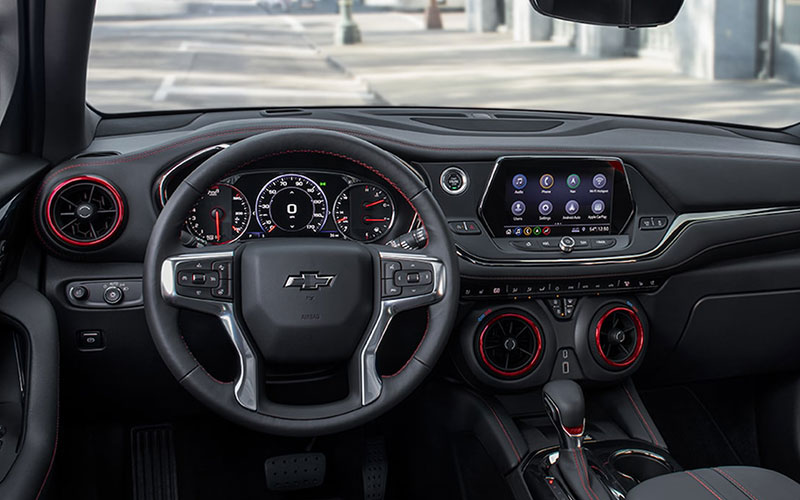
Cars are getting smarter with more tech-infused features every day. In previous decades, passengers were just happy to have an AM/FM radio, or a car phone, or a CD player. Now, people expect connectivity when they get into a car, and automakers are delivering that through Apple CarPlay and Android Auto . Take a look at any new vehicle review from the last few years and you’re sure to see the words ‘Apple CarPlay’ and ‘Android Auto’ pop up.
Automakers always make sure to note their capabilities whenever Apple CarPlay and Android Auto are available because it’s another amenity for their car-buying customers. What exactly is Apple CarPlay though? What does Android Auto do? How does Alexa Auto improve the driving experience? You’re about to find out.
Apple CarPlay
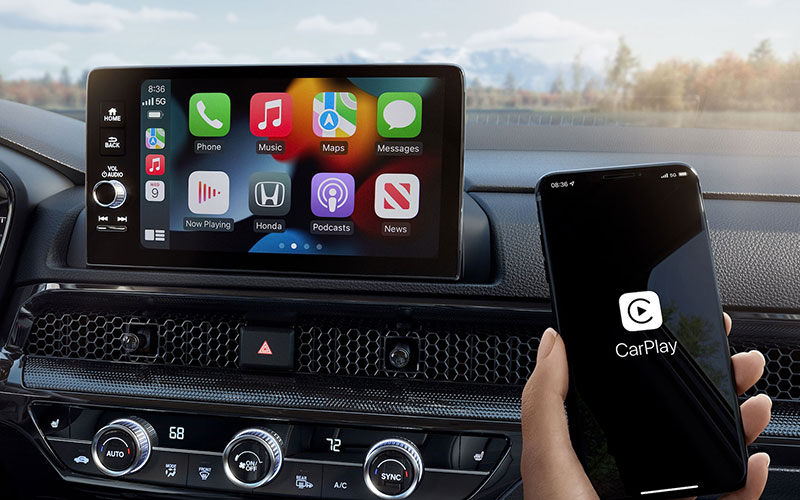
CarPlay is the smartphone software that was first introduced in vehicles. It was released in March 2014. The software was available on all iPhone models beginning with the iPhone 5 operating system. When your iPhone is connected to your vehicle the Apple CarPlay software allows iPhone applications to be displayed on the car’s infotainment system. Those same volume knobs and vehicle infotainment system buttons can then control the iPhone apps, too.
The goal of this CarPlay software is to reduce the use of a smartphone, in this case an iPhone, while driving. You don’t need to pick up your phone to listen to text messages or send a voice message in response. Most cars already have Bluetooth for hands-free calls, but CarPlay integration shows a layout on the screen that more closely resembles that of an iPhone home screen. Your car’s infotainment screen doesn’t display an exact mirrored version of your iPhone screen, but it’s similar. As a bonus, the iPhone is charged when it’s plugged into the vehicle.
There’s a little bit of initial setup that is involved in connecting an iPhone to a vehicle, but it’s generally very easy. After granting some permissions, it’s a plug-and-play situation. Need to exit out of CarPlay? Not a problem. An icon or button will allow you to switch back and forth between your vehicle’s infotainment system and Apple CarPlay. Any Apple owner knows that one advantage of having Apple products is that they work together. Apple CarPlay can make use of that Apple Music subscription in a way that other auto apps can’t. Apple has a list of more than 600 models that currently support CarPlay.
Android Auto
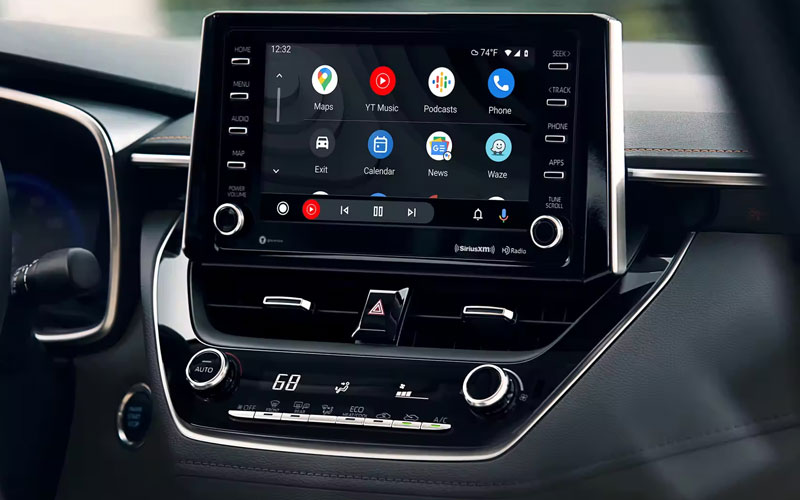
CarPlay is available for Apple users, and Android Auto is available for Android users. The mobile app was developed by Google and released in March 2015, just a year after Apple CarPlay was introduced. Android Auto mirrors features of the Android device (phone, tablet, or something else) and displays it on the dashboard touchscreen.
Just like CarPlay, Android Auto allows easy access to messages, music, and other media. Navigation, calls, and additional Android smartphone features can also be controlled by your vehicle once connected. You may be glancing at your infotainment screen and using the knobs to switch functions, but you at least won’t be holding your phone in one hand while looking down at it.
The connection process is mostly the same with an Android as it is with an Apple phone. Plug in, grant permissions, and use as needed. Some users say Android Auto has the more user-friendly setup of the two software systems. Of course, you have to use whatever your phone is compatible with. If you have an Apple phone, you can’t download Android Auto and use it. Android users can’t utilize Apple CarPlay either. To find out if your vehicle supports Android, you can check the full list of Android Auto compatibility.
What’s Next?
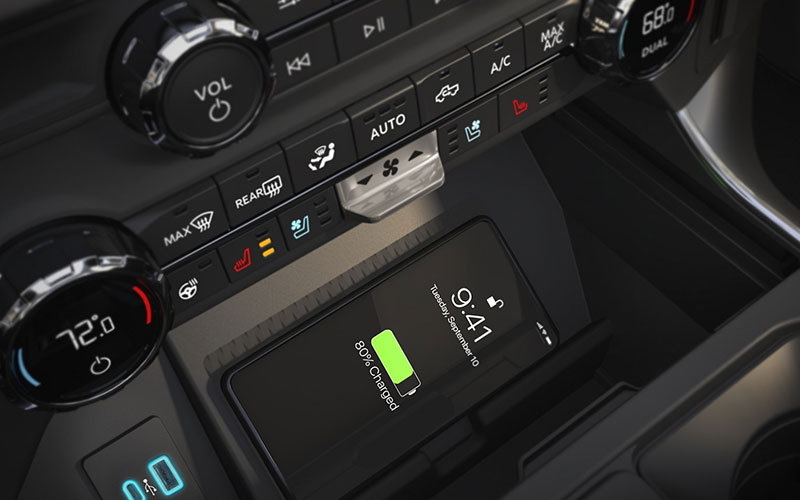
Most vehicles now support Apple CarPlay, Android Auto, and Alexa Auto, but automakers are moving quickly toward wireless versions. While wireless CarPlay and Android Auto are often limited to higher trims, many new models are rapidly transitioning from wired to fully wireless connectivity.